How to Translate WhatsApp Voice Messages
A voice message in a language you don’t speak? How to translate WhatsApp voice messages into your language – and get a summary on top.
Your new colleague in São Paulo sends you a three-minute voice message. In Portuguese. Your landlord leaves you two minutes in Turkish. The parents in your kid’s class group chat in Spanish. With text, you’d copy it into a translator and be done. With a voice message, that’s exactly what you can’t do.
Why voice messages are hard to translate
A translator app needs text. A voice message is audio. So you have to turn it into text first – and that’s where it gets fiddly:
- WhatsApp transcription writes the message out, but in the original language. And depending on your device and language, the feature isn’t even available.
- Copy and paste: You copy the transcript, switch to a translator, paste it in, switch back. For every single message.
- Long monologues stay long: Three minutes of talking become a wall of translated text. You still have to dig for the one thing that matters.
The quick way: Summarize.One
Summarize.One is a bot on WhatsApp. It understands voice messages in over 100 languages and replies in the language you choose. Here’s how:
- Set your target language once. In the bot’s settings, choose the language you want your results in – English, for example.
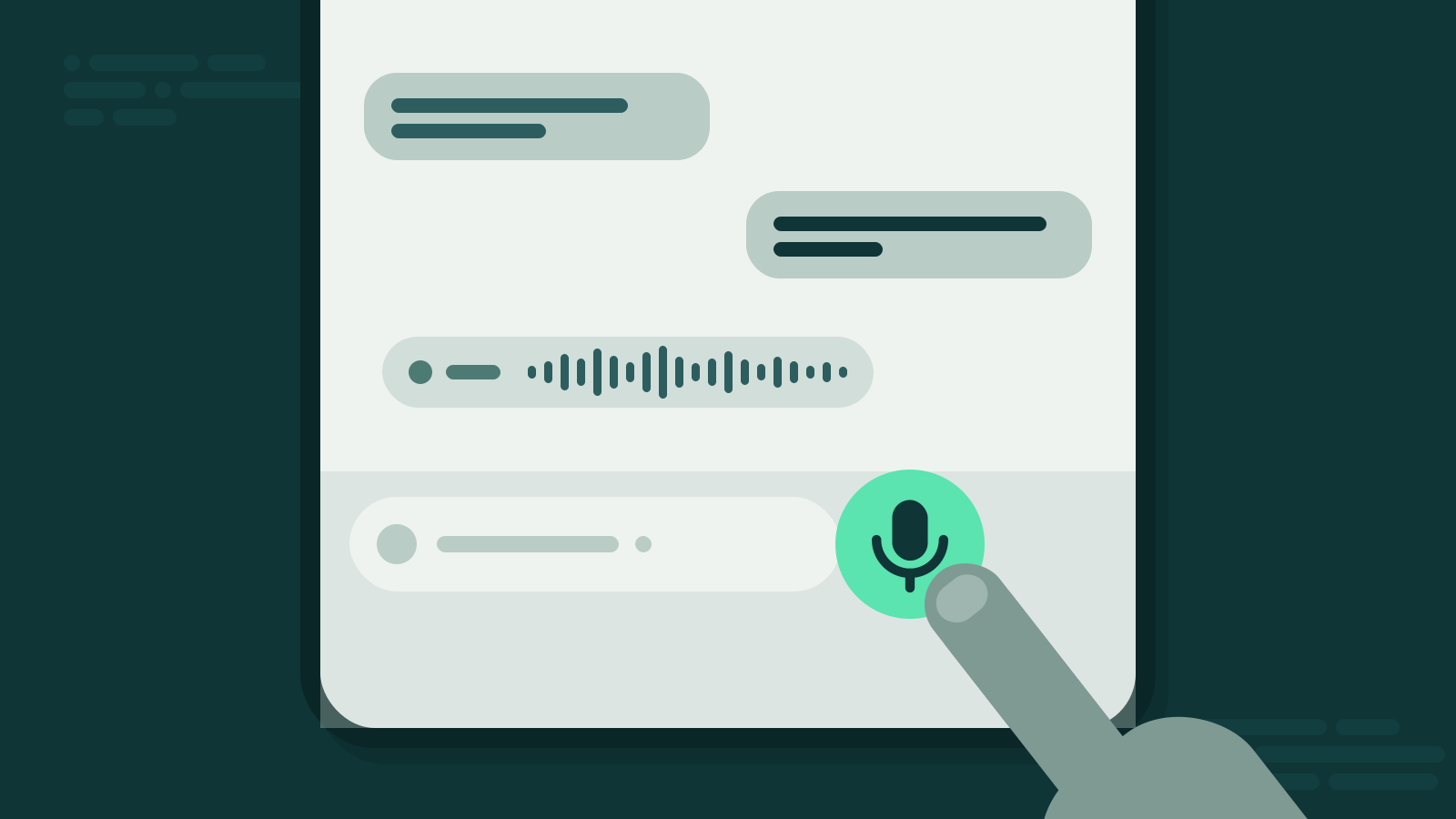
- Forward the voice message. Tap and hold the message in the chat, tap forward and pick Summarize.One.
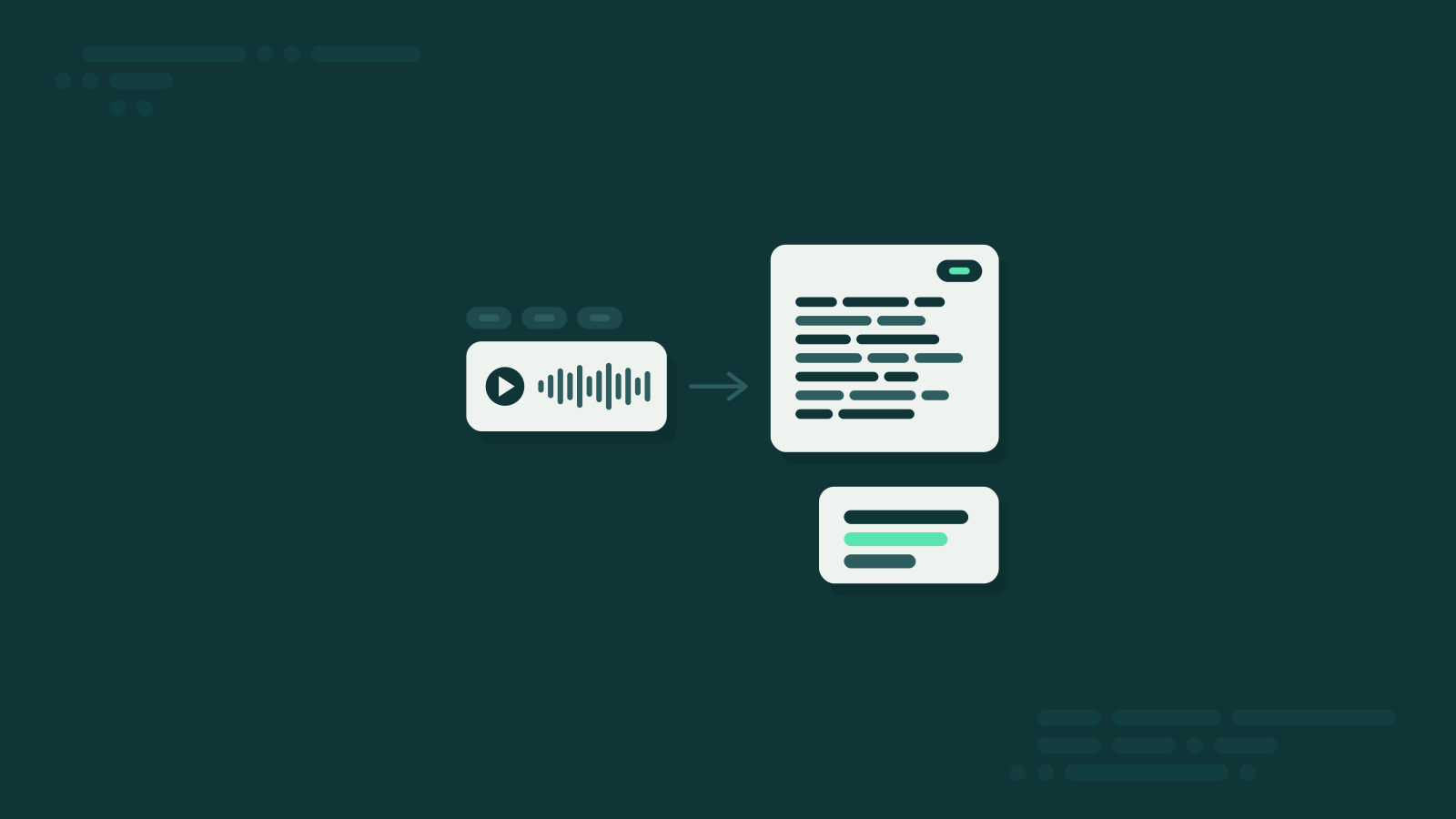
- Read the result. Within seconds you get the message translated into your target language – plus a summary, so you know right away what it’s about.
The target language stays set. Every message you forward from now on comes back in your language, whether it was recorded in Portuguese, Turkish or Japanese.
Translation and summary in one step
Here’s what makes the difference: you don’t just get a translation, you also get the gist. Your colleague’s three Portuguese minutes might become:
“Client meeting moved to Thursday, 2 pm. Please send the updated slides by Wednesday. She’ll bring the contract.”
Three sentences in your language instead of a monologue you don’t understand. If you need every word, read the full translation – or switch on the full transcript in the settings.
Tips for better results
- Check names and numbers. Dates, amounts and addresses are worth a second look, especially with poor audio.
- Background noise hurts. Recordings from a train station or a windy street are harder to recognize – in any language.
- Text works too. Got a long text message in a foreign language? Forward it as well. Anything over 50 characters is translated and summarized.
- Reliability varies by language. It works in over 100 languages, most reliably in German, English, Spanish, French and Italian.
The manual alternative
If you only need a translation now and then, you can do it by hand: switch on WhatsApp transcription, copy the text and paste it into a translator. It’s free, but it takes several steps, it only works where transcription is available – and you get no summary.
Bottom line
Translating voice messages doesn’t have to mean copying, switching apps and reading long blocks of text. Set your target language once, forward the message and get back what was said – in your language and boiled down to the essentials. Whether it’s a colleague abroad, the landlord or the class group chat: you understand everyone, without speaking every language.