Voice Messages 101 – A Beginner’s Guide to Communication
New to voice messages? How to record, send, cancel, listen, speed up and forward them on WhatsApp – plus the next level, reading them instead.
Everyone around you sends voice messages, and you’re still typing with one finger? No shame. Voice messages are simple – once someone shows you the basics. Here they are, in the order you’ll need them.
Recording and sending
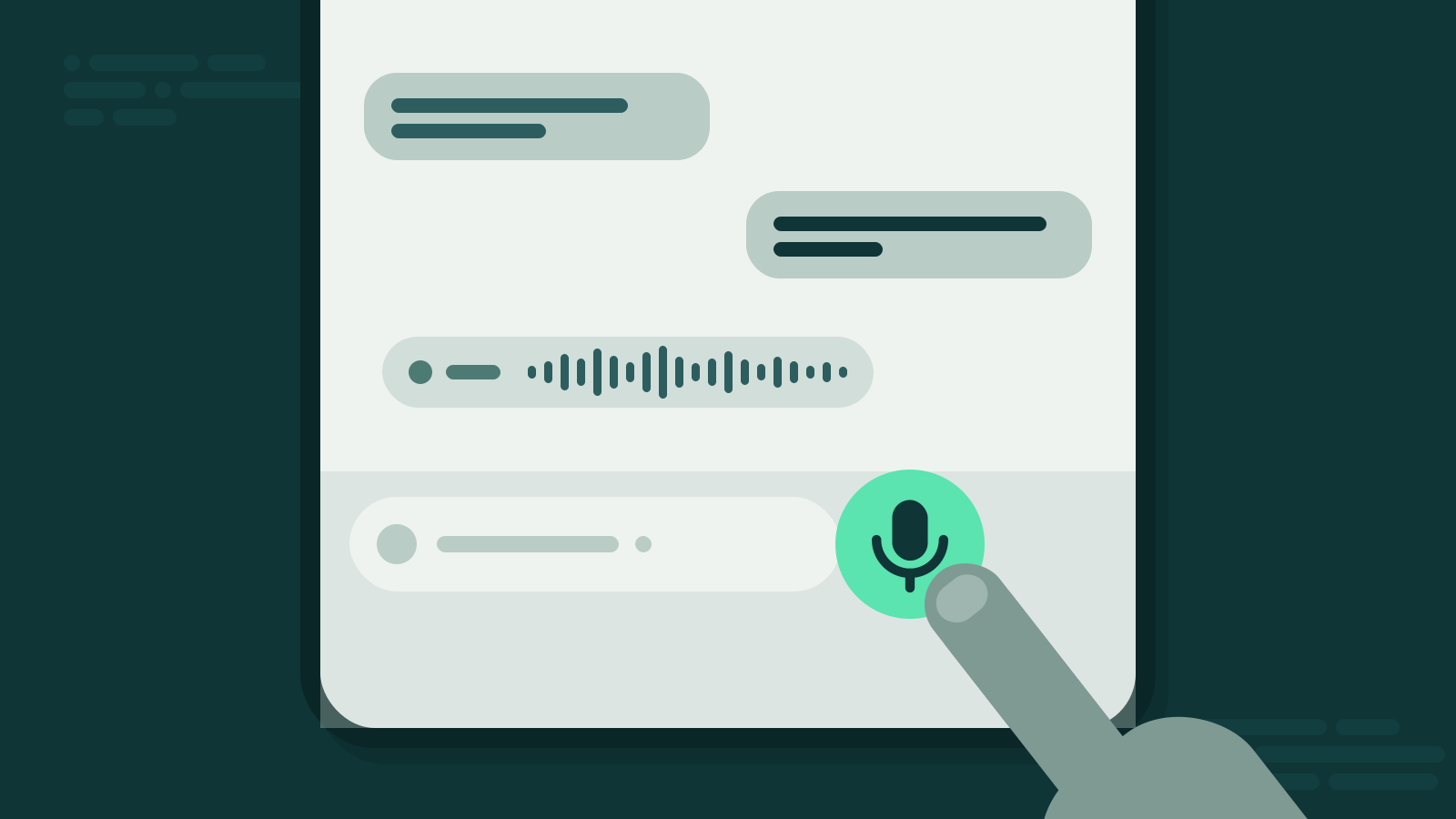
In any WhatsApp chat, next to the text field, there’s a microphone button.
- Hold it and talk. Recording runs as long as your finger stays on the button.
- Let go to send. The message goes out immediately.
- Long message? You can lock the recording so you don’t have to keep holding the button. Then you talk hands-free and tap send when you’re done.
Before your first real message, send yourself a test. Say “Testing, one, two” and listen to how you sound. Everyone hates their own voice at first. That passes.
Cancelling and checking
Said something you didn’t mean? Started talking before you knew what to say? Happens to everyone.
- Cancel: While recording, you can discard the message instead of sending it. Nothing goes out.
- Listen first: WhatsApp lets you play back your recording before you send it. Worth doing for anything important – or anything recorded next to a busy road.
A good beginner habit: think of your first sentence before you press the button. That alone puts you ahead of half your contacts.
Listening and speeding up
When a voice message arrives, it shows up in the chat with a play button and its length. Tap play to listen.
- Faster playback: WhatsApp can play voice messages at 1.5× or 2× speed. Most people sound perfectly fine at 1.5×. Some sound better.
- Pause and continue: You can stop in the middle and pick up later.
- No speaker? Hold the phone to your ear like a call, or use headphones. Your colleagues don’t need to hear your aunt’s holiday plans.
Forwarding
Want to pass a voice message on? Long-press it, tap “Forward” and pick the chat you want to send it to. The recipient gets the original audio. Keep that in mind before you forward something that wasn’t meant for them.
Next level: read them instead
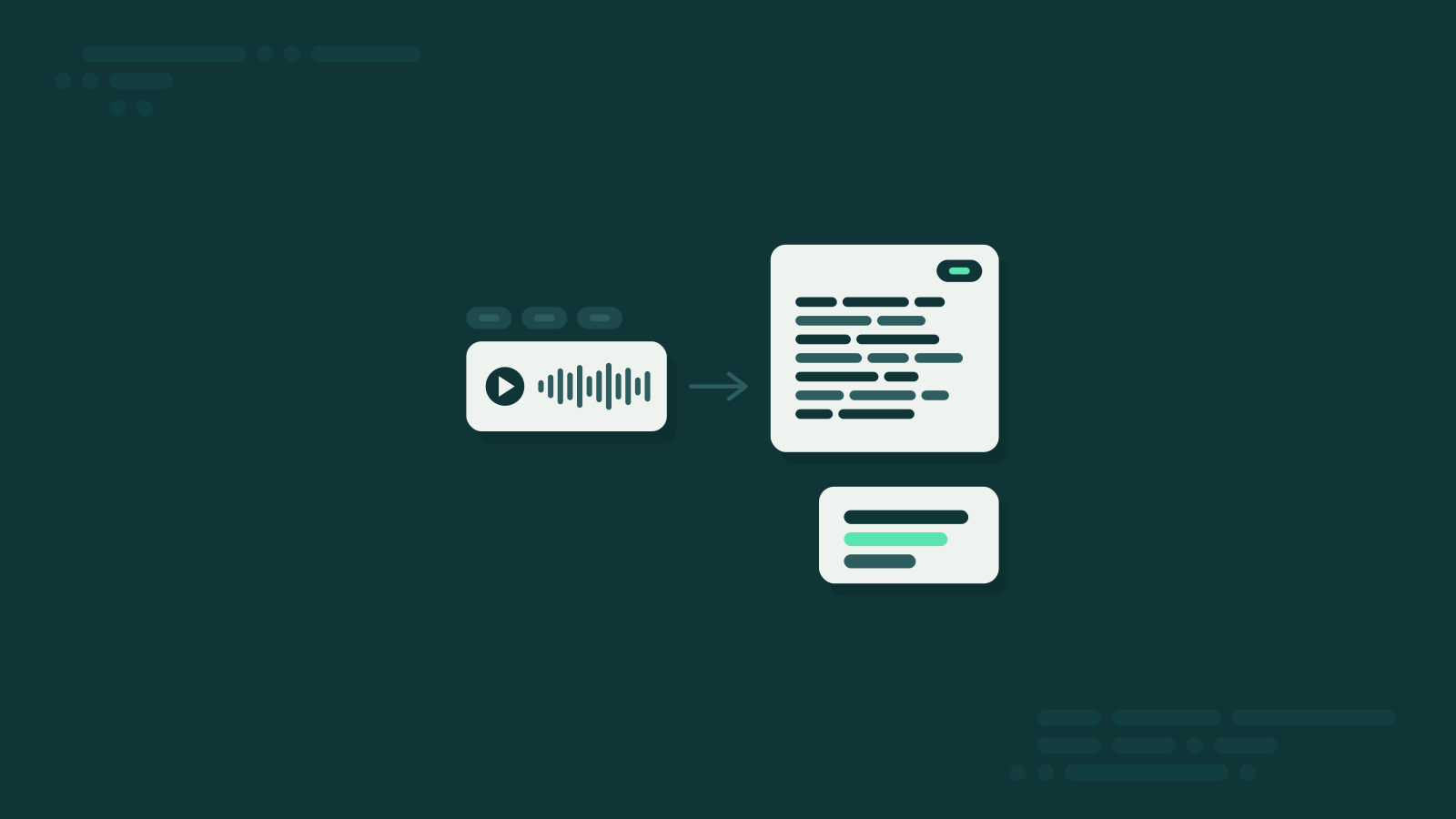
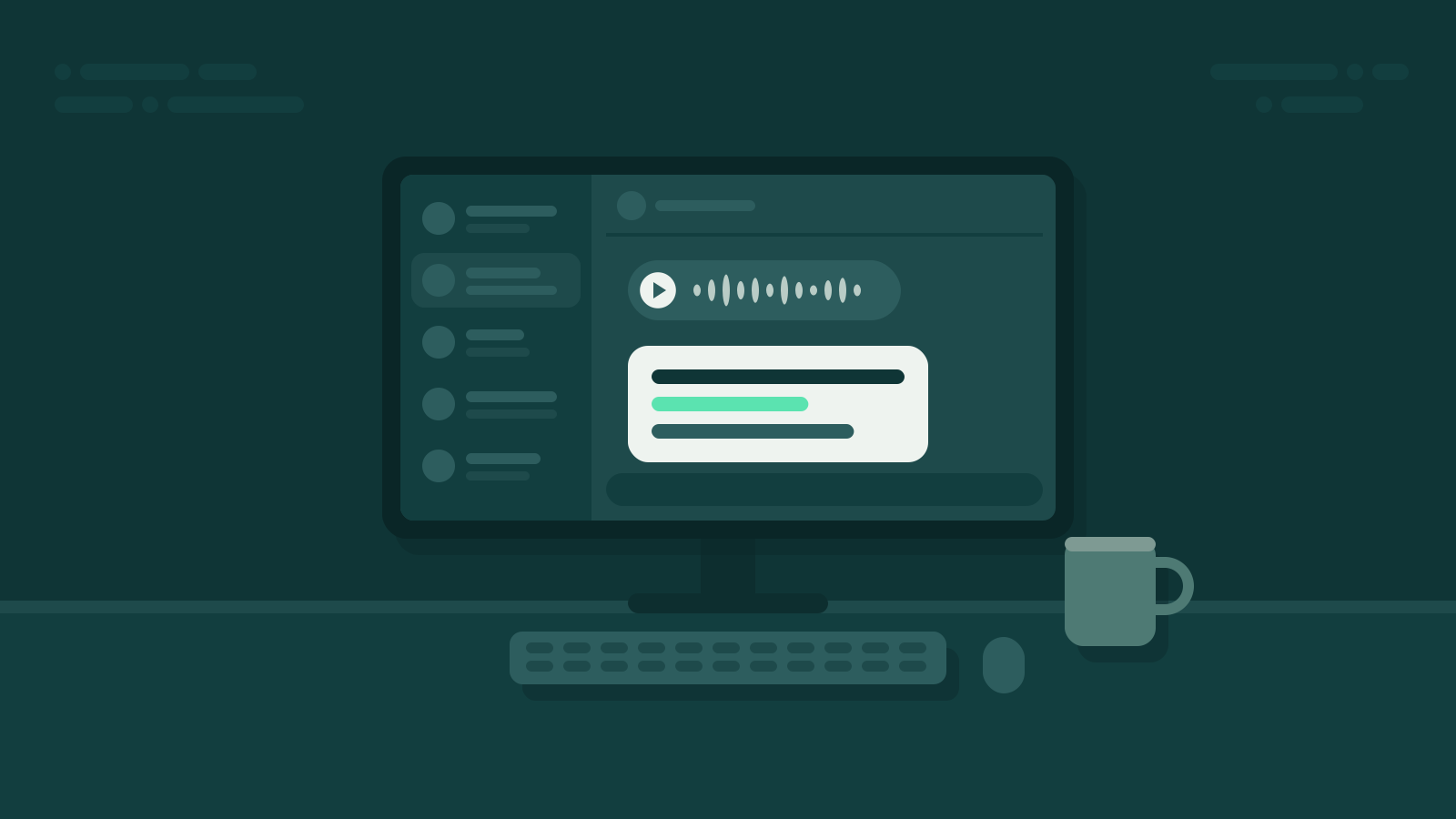
Once you’ve got the basics, you’ll notice the real problem isn’t sending voice messages. It’s receiving them – long ones, at bad moments. That’s where Summarize.One comes in. It’s a bot on WhatsApp, and you already know the only skill it needs: forwarding.
- Say “Hello” to the Summarize.One bot on WhatsApp. No app, no download, no account.
- Forward the voice message to the bot.
- Read the summary that arrives in the chat a few seconds later.
You can choose how short the summary should be, or switch on the full transcript in the settings. You get 5 free credits to try it, no subscription.
Bottom line
Hold to record, let go to send, cancel if it goes wrong, listen first if it matters, 1.5× for everything long. And for the messages you don’t have time for: forward, and read.