How to Enable Transcriptions for WhatsApp Voice Messages – Settings Guide
Summary or full transcript, short or bullet points – how to set up Summarize.One so every voice message comes back the way you need it.

Getting started takes ten seconds: say “Hello” to the Summarize.One bot on WhatsApp, forward a voice message, read the reply. That’s the default. This guide is about what comes after – the settings that decide what you get back.
Summary or full transcript?
By default, the bot replies with a summary: what the message says, without the “um”, the throat-clearing and the story about the parking situation. For most voice messages, that’s all you need.
Switch on the full transcript in the settings when the exact wording matters:
- Instructions with details – a recipe, directions, a list of things to bring.
- Anything you might quote back – an agreement, a promise, “you said Thursday”.
- Work messages you want to copy into an email, a ticket or your notes.
- Messages in a language you’re learning – reading every word helps more than a condensed version.
If none of that applies, stay with the summary. Reading the full transcript of a rambling four-minute message is only slightly better than listening to it.
Picking the right summary length
There are three formats. Same voice message, three results:
- Short – one or two sentences. “Plumber comes Tuesday between 8 and 10. Someone needs to be home.” Good for everyday stuff: plans, confirmations, quick updates.
- Medium – a short paragraph with context. Adds the who and the why – say, that the landlord is paying and the old tap stays in the bathroom. Good when you have to act on the message.
- Bullet points – the content as a list. Best for messages with several topics, like a colleague running through three projects in one go.
A simple rule: short for friends and family, bullet points for work, medium when you’re not sure. You can change it whenever your needs change.
Languages
The bot understands more than 100 languages. It is most reliable in English, German, Spanish, French and Italian. Other languages work too, but with strong dialect or background noise, results can be less precise. If a summary looks off, the full transcript shows you what was actually understood.
Memos to yourself
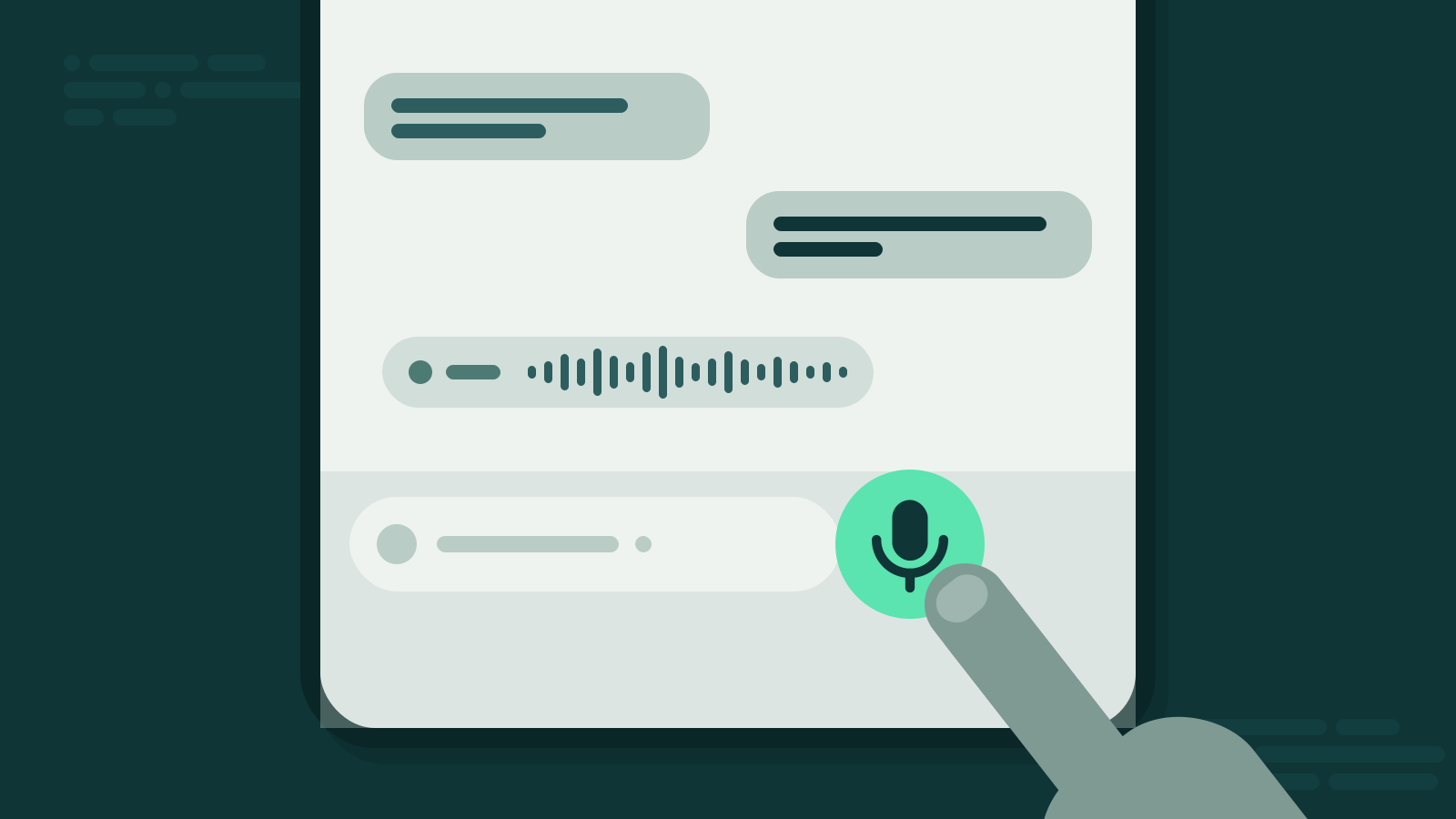
You don’t have to forward anything. Record a voice message directly in the bot chat and you get it back as text – in the format you’ve chosen. That turns the bot into a quick notepad:
- An idea on a walk, as bullet points.
- A to-do list dictated in the car, read later at your desk.
- Notes recorded right after a meeting, as a full transcript.
Your thoughts stay as messy as they are when you speak them. The text doesn’t.
Credits and privacy
A voice message up to 5 minutes uses one credit, whichever format you pick. You start with 5 free credits, no subscription. Communication is encrypted, processing runs on EU servers, and the service is GDPR-compliant.
Bottom line
Setup is one “Hello”. The real decision is the format: summary for most messages, full transcript when wording matters, and the length that fits who’s talking to you.