Voice Messages and Accessibility – a Help and a Hurdle at Once
For some, voice messages make writing easier; for others, they’re a barrier. Why accessibility here works in both directions.
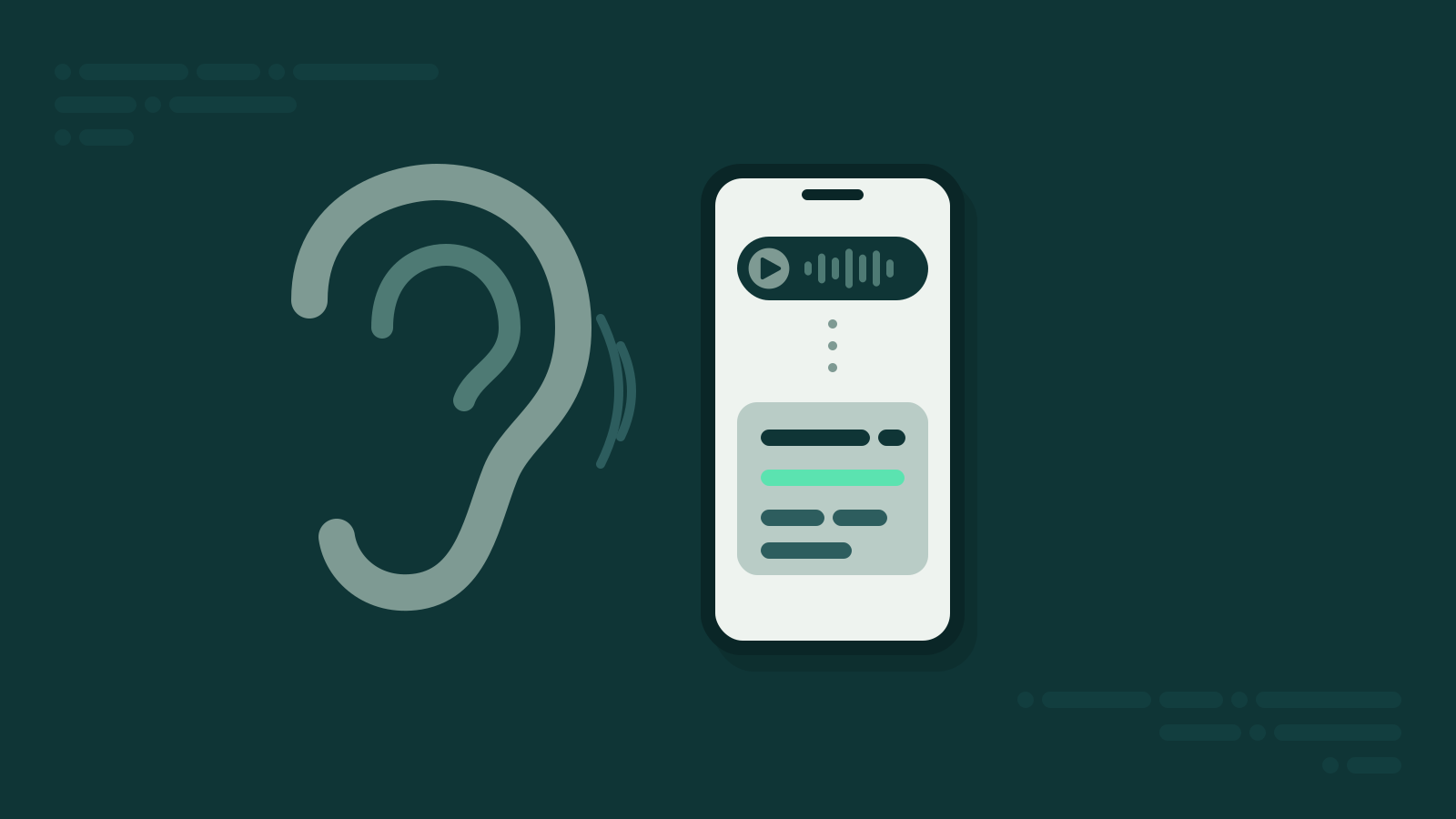
For your grandpa, the voice message may be the best thing that ever happened to WhatsApp. Finally, no more fumbling with tiny letters. For your colleague with a hearing aid, the very same feature is a problem: every voice message is a message she can’t easily understand. Accessibility here works in two directions.
Talking instead of typing: who it helps
For many people, typing on a phone is hard work – not out of laziness, but because it’s simply difficult.
- Dyslexia. If you’re constantly battling spelling when you write, you often express yourself more freely and confidently out loud.
- Visual impairment. Small keyboard, stubborn autocorrect, typos you can’t see – talking sidesteps all of that.
- Motor impairments. Tremors, arthritis, stiff fingers: holding down one button is easier than a hundred little taps. Slide the recording up to lock it and you don’t even have to hold.
- Older people. Many never learned to type quickly on a screen. They’re all the better at talking.
For all of them, the voice message isn’t a gimmick – it’s their ticket into the family chat.
Listening instead of reading: who it shuts out
Same message, other direction. For people with hearing loss, a voice message is often just a bar with a timestamp. Hearing aids help, but not always: street noise in the background, mumbling, a mic in a jacket pocket – and the message becomes a guessing game.
The awkward part: the sender usually doesn’t notice. People who don’t hear well don’t ask for a transcript of every message. They guess, reply vaguely, ask carefully later. Or they withdraw from chats where suddenly everyone just talks.
Text as a bridge
Getting rid of voice messages wouldn’t solve anything. Then one group would lose what helps the other. The solution is to turn speech into text – for whoever needs it.
That’s exactly what Summarize.One does: you forward a voice message on WhatsApp to the bot and get the content as text within seconds. A summary by default; if you want to read every word, switch on the full transcript in the settings. No app, no download, no account to get started. Over 100 languages are supported, most reliably German, English, Spanish, French and Italian.
So Grandpa can keep talking. And your colleague reads along.
Pro for free with hearing loss
If you don’t hear well, you don’t need text now and then – you need it all the time. That’s why Summarize.One Pro is free for people with hearing loss, with valid proof. Just send an email to [email protected].
What you can do as a sender
Accessibility doesn’t start with the recipient. A few small gestures go a long way:
- Ask once. “Are voice messages okay for you, or would you prefer text?” isn’t an awkward question, it’s a thoughtful one.
- Write down the key facts. Time and place as a short line of text next to the voice message help everyone.
- Record somewhere quiet. Wind and traffic in the mic are tiring for anyone – with hearing loss they’re often insurmountable.
Bottom line
Voice messages open doors for some people and close them for others. Text makes sure both sides get through. If you like talking, keep talking. If you don’t hear well, you should still be able to read along.