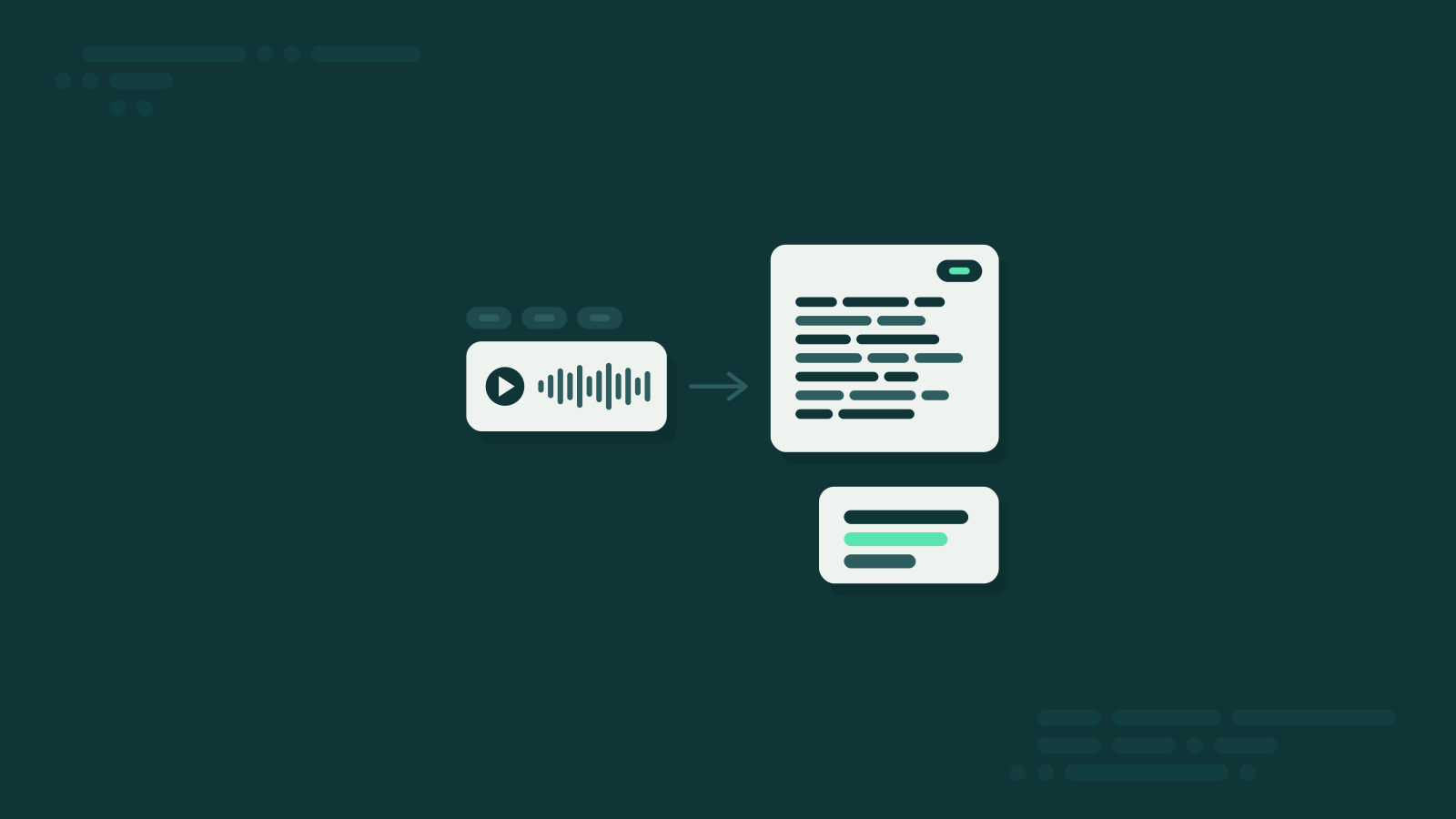
Transcribing WhatsApp Voice Messages – Tricks and Tips
Turn WhatsApp voice messages into readable text – as a short summary or a full transcript. No app, right inside the chat.
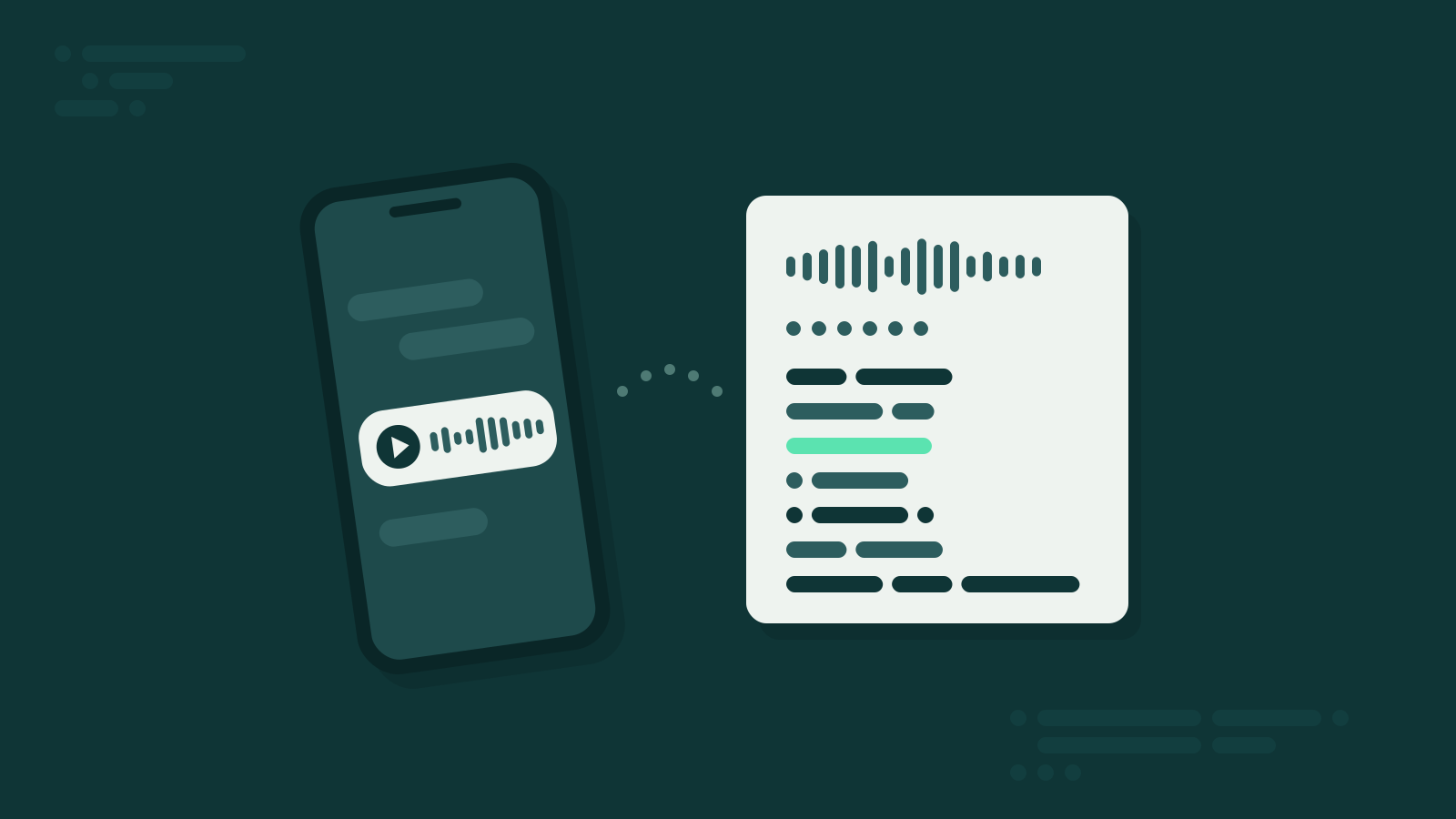
You’re in a meeting, on the train or in a waiting room – and Lisa sends you a voice message. 2 minutes 47. You can’t play it right now, but you can’t ignore it either. It might be important. The fix: read it instead.
When text beats audio
- You can’t listen right now. Meetings, libraries, concerts, a sleeping baby.
- The message is long. Three minutes of audio for two sentences of content.
- You need to find something again. A time, an address, a shopping list – in text it takes seconds, in audio you scrub back and forth.
- You’re hard of hearing. Text makes voice messages accessible in the first place.
How it works with Summarize.One
- Open the bot – Say “Hello” to the Summarize.One bot on WhatsApp. No download, no account.
- Forward – Long-press the voice message, tap “Forward” and pick Summarize.One.
- Read – A few seconds later, the summary is in your chat.
By default you get a summary: the key points in a few sentences. If you need every word, switch on the full transcript in the settings. It works in more than 100 languages – and with long texts you forward, too.
What about WhatsApp’s own transcripts?
WhatsApp can now turn voice messages into text by itself. That gives you the full wording, though – every “um” and “so, well” included. With a long message, you simply swap a long audio for a long text.
Summarize.One goes one step further: it tells you what the message actually says. “Hey you, so um, about tonight – it’s not really going to work for me after all …” becomes: “Dinner moved to Friday, 7 pm. You’re bringing the wine.”
What it costs
You get 5 free credits to try it – no subscription, no account. One credit covers a voice message up to 5 minutes or a text up to 4,000 characters. After that, you can buy credits individually or pick a plan if voice messages are a daily thing for you.
Bottom line
Turning a voice message into text takes exactly one forward. Read first. Listen later. If at all.